
Feedback
freeTrialImage.bannerPity
freeTrialImage.upgradeUnlock
- ✓freeTrialImage.benefitHd
- ✓freeTrialImage.benefitWatermark
- ✓freeTrialImage.benefitUnlimited
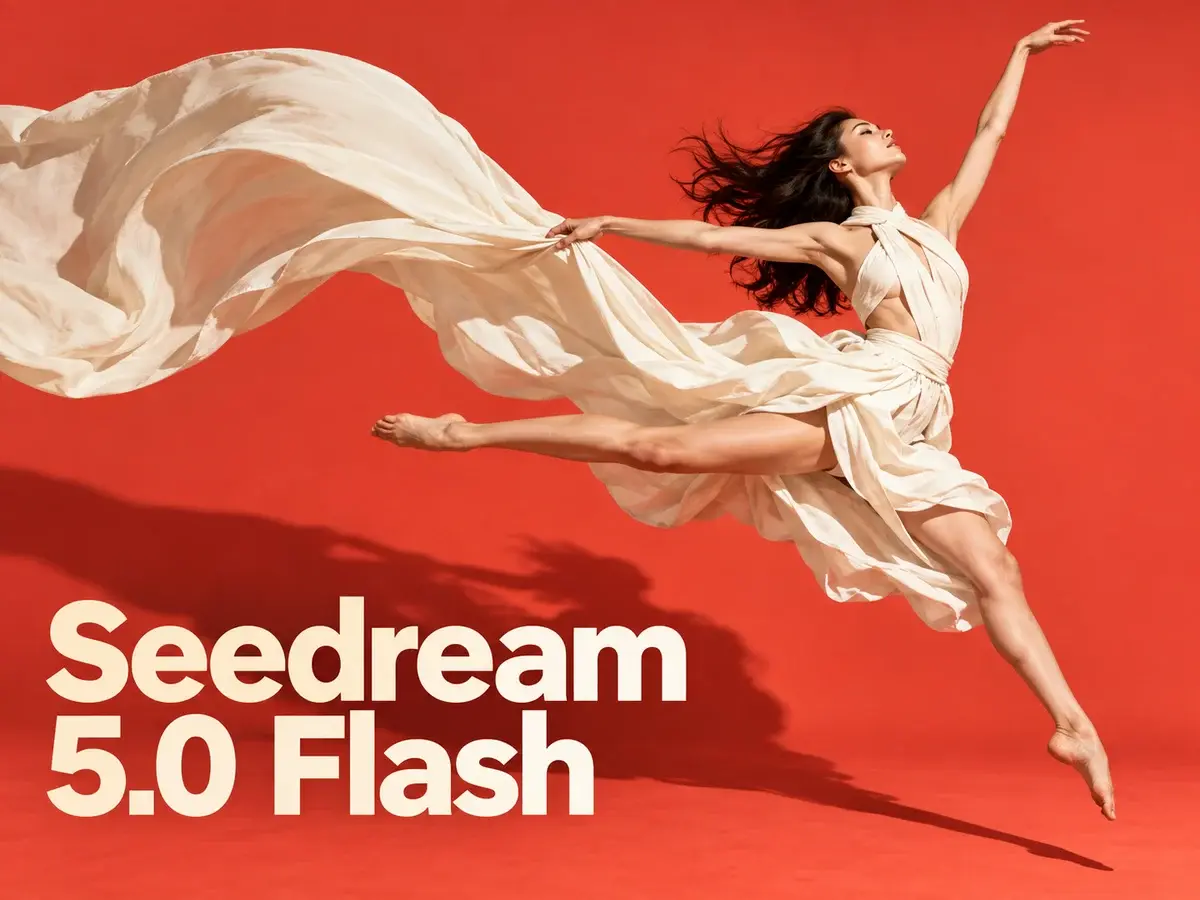
Seedream 5.0 flash
A fast, low-cost image model: Seedream 5.0 Flash renders prompts and merges up to ten references into sharp 1K-2K files for 3 credits.
AI Tools
Explore AI tools


Inside Seedream 5.0 Flash: Engineered for Volume and Speed
ByteDance's lightest 5.0 variant, tuned for rapid turnarounds and for edits that fold several source photos into one result.
- The Fast Lane of the 5.0 LineOccupies the affordable slot in ByteDance's Seedream 5.0 range, sitting one rung beneath the flagship Seedream 5.0 Pro.
- Flat Pricing at Every Size3 credits buys any of 1K, 1.5K or 2K output; edits are billed identically, and sending in reference photos costs nothing extra.
- Blend Up to Ten Source PhotosSupply ten pictures at most, describe the adjustment in words, and Flash folds them together into a single finished frame.
Running Seedream 5.0 Flash in Three Moves
Follow these moves to create a brand-new picture or revise one you already have.
Seedream 5.0 Flash: Common Questions
Straight answers about rendering, editing, credit costs and output dimensions.
What separates Seedream 5.0 Flash from Seedream 5.0 Pro?
Flash occupies the speed-and-affordability slot, whereas Pro stands as ByteDance's flagship — highest fidelity, superior lettering and output reaching 2K.
What resolutions and frame ratios are available?
You can select 1K, 1.5K or 2K output, and frame it in any of a wide spread of ratios, from 21:9 panoramic to 9:16 portrait.
What do 1K, 1.5K and 2K renders cost in credits?
Every image costs 3 credits regardless of size. Editing carries the identical rate, and uploading references never adds to your total.
What is the limit on reference images per edit?
Ten. Once you have loaded them and described the tweak, Flash combines the people, products and looks into one frame.
Does Seedream 5.0 Flash handle non-English text?
It does. Clear lettering in English and other tongues can be built straight into the picture — useful for posters, menus, social graphics and product mockups.
Which models make up the Seedream family?
Seedream 5.0 Pro, Seedream 5.0, Seedream 4.5 and Seedream 4 — each balancing fidelity, text rendering and overall quality differently.
Put Seedream 5.0 Flash to Work
Write a brief or load ten photos to revise; each output costs 3 credits, arrives at up to 2K in PNG or JPEG, and references stay free.